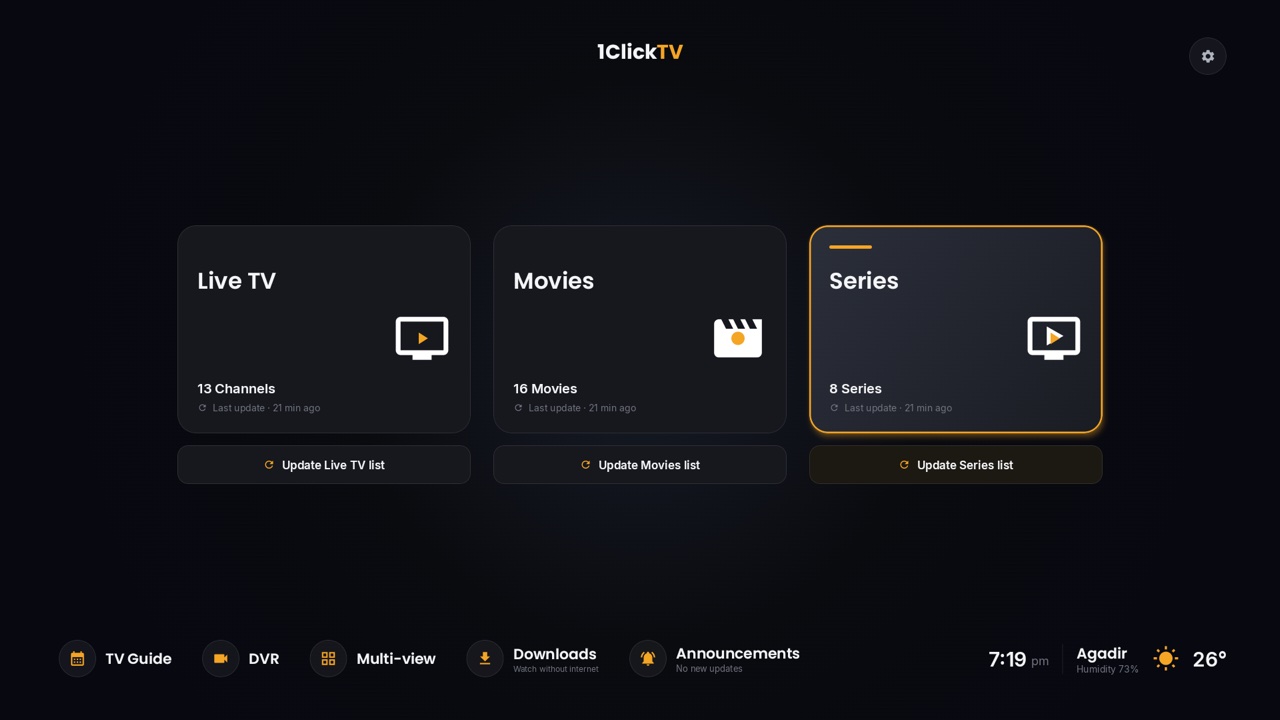
Kodi plays IPTV through a free, official add-on called PVR IPTV Simple Client. You give it your M3U playlist link and, ideally, a TV guide link; Kodi then adds a TV section with your channels, a programme guide and channel groups. The steps below are for Kodi 21 "Omega" and newer; older versions use almost the same menus.
What you need
- Kodi, free from kodi.tv, on Android TV, Google TV, Fire TV, Windows, macOS, Linux or a Raspberry Pi.
- Your M3U playlist link from your IPTV provider.
- Your TV guide link (EPG, in XMLTV format), if your provider has one. Without it, channels play but the guide stays empty.
Use the links from your own provider. Lists copied from forums tend to stop working within days and can carry risks; our guide to public IPTV playlists explains why.
Step 1: Install PVR IPTV Simple Client
- On Kodi's home screen, open Settings (the gear icon) → Add-ons → Install from repository.
- Choose PVR clients → PVR IPTV Simple Client → Install.
- If another PVR add-on is already installed and switched on, disable it first so the two don't clash.
Step 2: Add your playlist
- Go to Settings → Add-ons → My add-ons → PVR clients → PVR IPTV Simple Client → Configure.
- In General, set Location to Remote path (Internet address).
- Select M3U play list URL and paste your playlist link exactly as you received it.
Have more than one playlist? Kodi can keep several configurations of the add-on, one per playlist.
Step 3: Add the TV guide
- Still in the add-on's settings, open EPG.
- Set Location to Remote path (Internet address) and paste your guide link in XMLTV URL.
- If programme times are off by whole hours, adjust the guide's time shift in the same tab.
Step 4: Load the channels
Select OK and restart Kodi. The add-on loads your playlist and guide; a large playlist can take a few minutes the first time. TV then appears in Kodi's main menu, with Channels and Guide. If you don't see TV in the menu, go to Settings → Interface → Skin → Configure skin → Main menu items and switch it on.
Step 5: Watch
Open TV → Channels and pick a channel, or use Guide to see what's on. Channel groups come from your playlist, so you can jump straight to a country or category. Where your provider offers catch-up, the add-on can also play programmes that already aired; see how catch-up works.
Fixes for common problems
| Problem | What to do |
|---|---|
| No channels appear | Check the link for typos or missing characters, make sure your subscription is active, and restart Kodi. Open the link in a browser on another device: if it doesn't download a file, the link itself is the problem. |
| The guide is empty | Check the XMLTV link, then give it a few minutes. The guide fills a channel only when its ID in the guide matches the channel's ID (tvg-id) in the playlist; ask your provider if most channels stay empty. |
| Old guide data, or changes don't show | Go to Settings → PVR & Live TV → General and choose Clear data, then restart Kodi. |
| Programme times are wrong | Set the time shift in the add-on's EPG settings, and check your device's time zone. |
| Buffering | Use a network cable if you can, close other apps that stream, and check your speed: plan on about 15 Mbps per HD stream and 25 Mbps for 4K. |
| Kodi is slow with a huge playlist | Ask your provider for a smaller playlist (by country or category), or use a player built for big playlists. |
Questions people ask
Is there a 1ClickTV add-on for Kodi?
No, and you don't need one. 1ClickTV works in Kodi through PVR IPTV Simple Client with your M3U link, as above.
Is Kodi free?
Yes. Kodi is free and open source. It has no channels of its own; it plays what your provider gives you.
Can I install Kodi on a Fire TV Stick?
On Fire TV models that run Fire OS, such as the Fire TV Stick 4K Max, yes. The Fire TV Stick 4K Select and the 2026 Fire TV Stick HD run Vega OS and can't install apps from outside the Amazon Appstore.
Is there an easier option than Kodi?
For live TV with movies and series in one place, a dedicated IPTV player is quicker to set up. On Android devices, try 1ClickTV Player, which is free; on other devices, see our installation guides. Want Kodi-style live TV in Plex instead? Here's how to add IPTV to Plex.