The Openbox V8S is a satellite receiver, but its built-in WebTV app can play IPTV channels from an M3U playlist file. It's an old, low-powered box, so expect a basic experience. Here's how to load a playlist, and when a streaming stick is the better choice.
Before you start
- A USB stick formatted as FAT32.
- Your M3U playlist file from your provider. If you only have a playlist link, open it on a computer to download the file. Our guide to M3U playlists explains the difference.
- Rename the file to
WebTV.m3u: the WebTV app looks for that exact name. - Copy it to the root of the USB stick, not into a folder.
Method 1: from the WebTV app
- Plug the USB stick into the Openbox.
- Press Menu, move right to Multimedia and open WebTV.
- If old channels are listed, remove them with the green button (Del All).
- Press the yellow button (Read By USB). The channels appear in the list.
Method 2: through the upgrade menu
If your WebTV app has no Read By USB option:
- Go to Menu → Tools → Upgrade By USB.
- Set Upgrade Mode to Misc Files.
- Choose Select & Upgrade, select
WebTV.m3uso a green tick appears, and press the yellow button to upgrade. - When the box shows "Upgrade Finished", press Exit twice and open Multimedia → WebTV.
Limits of the Openbox V8S
- Low memory: large playlists load slowly, and the box can freeze or restart when you change channels. Ask your provider for a smaller playlist with just the groups you watch.
- A file, not a link: the playlist doesn't update itself. When channels change, download and load the file again.
- No real TV guide or catch-up in the WebTV app.
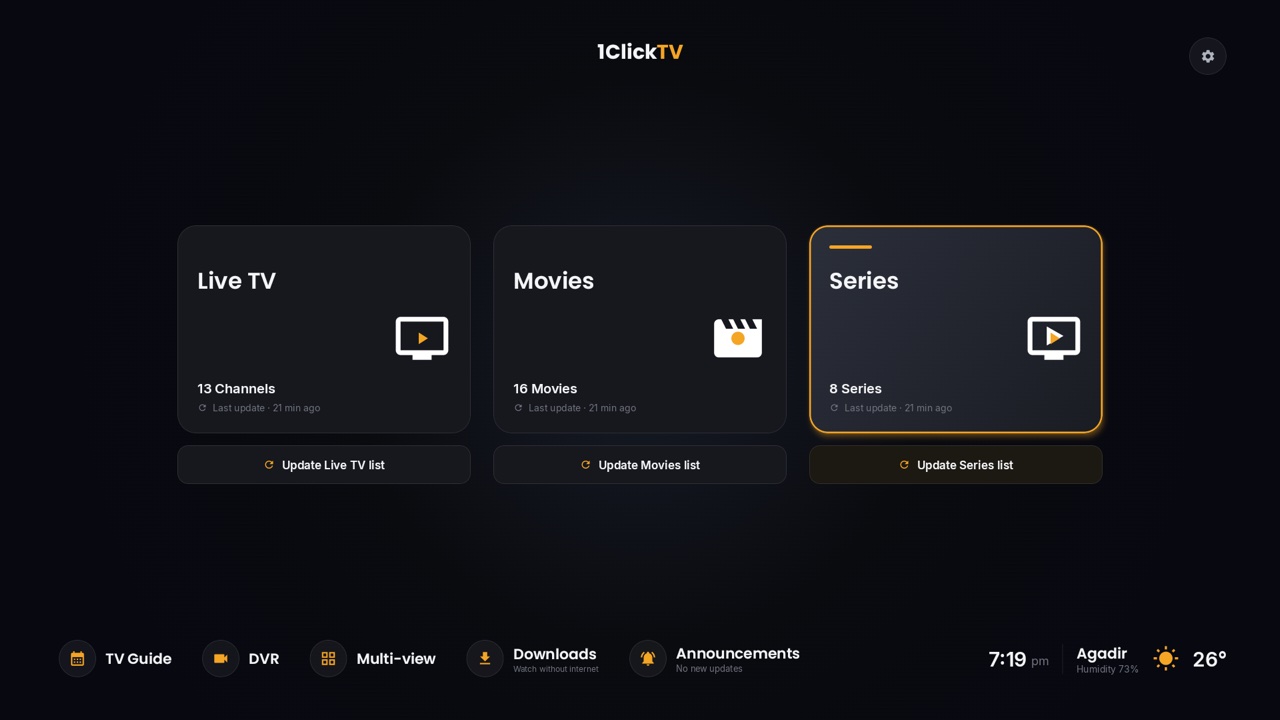
If you watch a lot of IPTV, an Android TV, Google TV or Fire TV stick in the TV's HDMI port is a big step up: a full TV guide, catch-up and on-demand libraries. Our free 1ClickTV Player runs on them, and the installation guides cover each device.
Fixes for common problems
| Problem | What to do |
|---|---|
| Nothing happens with Read By USB | Check that the file is named exactly WebTV.m3u and sits at the root of a FAT32 stick. |
| Some channels don't play | Your provider may have changed addresses: load a fresh copy of the playlist. |
| The box freezes | Restart the Openbox and your router, and use a smaller playlist. |
Questions people ask
Can the Openbox V8S use an Xtream Codes login?
The WebTV app only reads playlist files. For an Xtream Codes login, use a player app on a streaming stick.
1ClickTV subscribers can ask our support team for a playlist file to use on the Openbox. See the plans.