A public IPTV playlist is an M3U list that anyone can download and open in an IPTV player. Some are useful, carefully kept collections of free channels. Many others are copied lists that stop working within days or point to streams nobody had the right to share. Here's how to tell them apart, where free and legal channels really come from, and how to load a playlist safely.
What a public playlist is
Like any M3U playlist, it's a text list of channel names, logos, groups and stream addresses (our guide to M3U playlists shows what's inside one). The difference is where the streams come from: in a good public list, they're streams that broadcasters themselves make freely available, such as news channels, public broadcasters and free ad-supported channels.
Free and legal sources
- iptv-org is the best-known community project. On GitHub it keeps a large collection of publicly available channels from around the world, sorted by country, category and language, and removes links when a rights holder asks. The streams are hosted by the channels, not by the project, so some come and go.
- Free streaming TV apps such as Pluto TV, Samsung TV Plus, The Roku Channel, Plex's free live TV and Tubi offer hundreds of free channels with ads, through their own apps. No playlist is needed.
- Broadcasters' own apps and websites stream many free-to-air channels live in their home country.
Why random lists are a bad idea
- They stop working. Shared links get blocked or go offline, often within days.
- They're unreliable. No guide, no support, no one to fix a channel that freezes.
- They can be illegal. A "free" list that includes pay-TV channels is sharing streams without permission, and in some countries viewers can be fined as well as sellers.
- They can be unsafe. Some lists come bundled with apps or pages that push ads, scams or malware.
How to load a public playlist
- Copy the playlist link from its source, for example the playlist links listed on iptv-org's GitHub page.
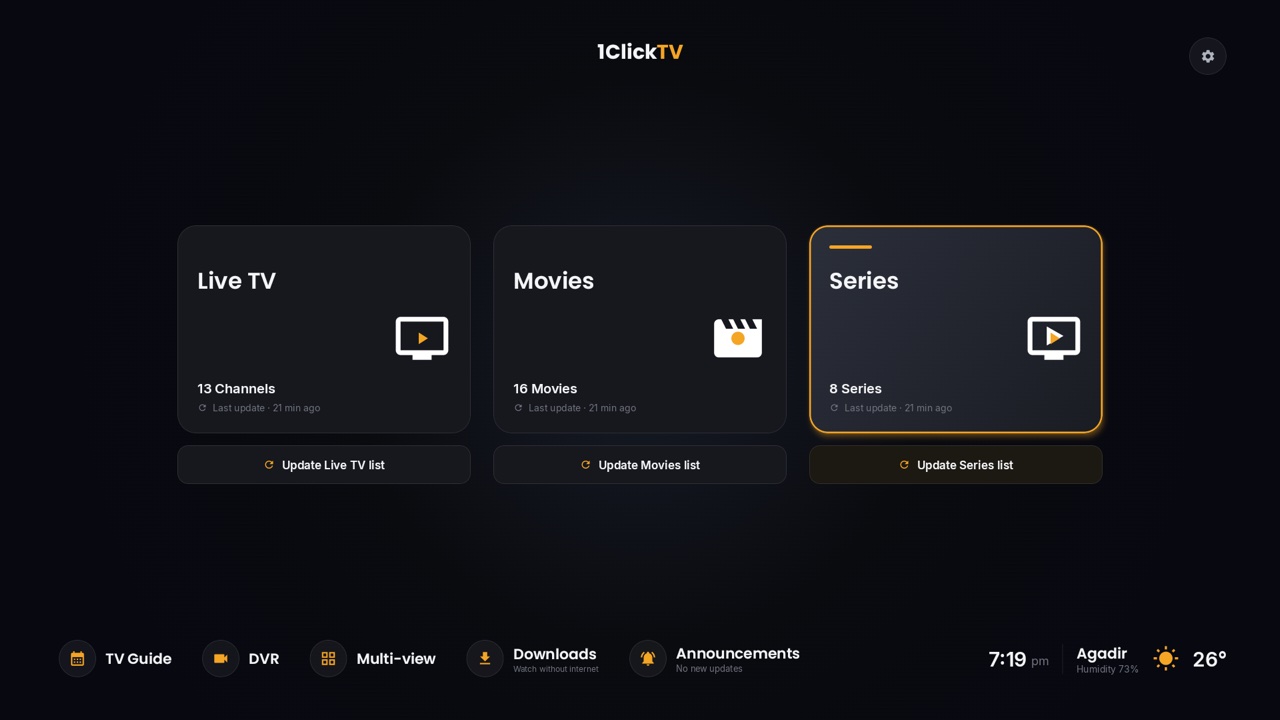
- Open your player and choose to add a playlist by link (M3U URL). On Android devices, 1ClickTV Player, TiviMate and Kodi all accept one; on a computer, VLC opens it from Media → Open Network Stream.
- Choose a smaller list (one country or one category) rather than the full worldwide list, which can be slow to load and browse.
- Expect gaps: on free lists, some channels are offline at any given time and the guide is often incomplete.
What a paid IPTV service adds
A subscription from a provider gives you a playlist that's kept up to date, a TV guide, support when something breaks and, with some providers, catch-up. If you consider one, use our checklist for choosing an IPTV provider. For 1ClickTV, the facts are:
| Live channels | 55,000+ |
|---|---|
| Movies and series | 370,000+ |
| Picture quality | SD to 4K, depending on the channel |
| TV guide and catch-up | For US and European channels |
| Support | 24/7 on WhatsApp, Telegram and email |
| Free trial | None. Every plan has a 7-day money-back guarantee instead (see the refund policy). |
Questions people ask
Are public IPTV playlists legal?
A list of streams that broadcasters make freely available is fine to use. A list that includes pay-TV channels is not, even if the list itself is free.
Why do public playlists stop working?
The streams belong to the channels, which change their addresses or block outside access, and shared pirated links are taken down. Collections such as iptv-org are updated, but some channels are always offline.
Is there a public 1ClickTV playlist?
No. 1ClickTV playlists are personal: each subscriber gets their own login, and sharing it uses up the plan's connections.
Can I add a TV guide to a public playlist?
Sometimes. iptv-org also runs a guide project, but coverage varies by channel, and many free lists have no guide at all.