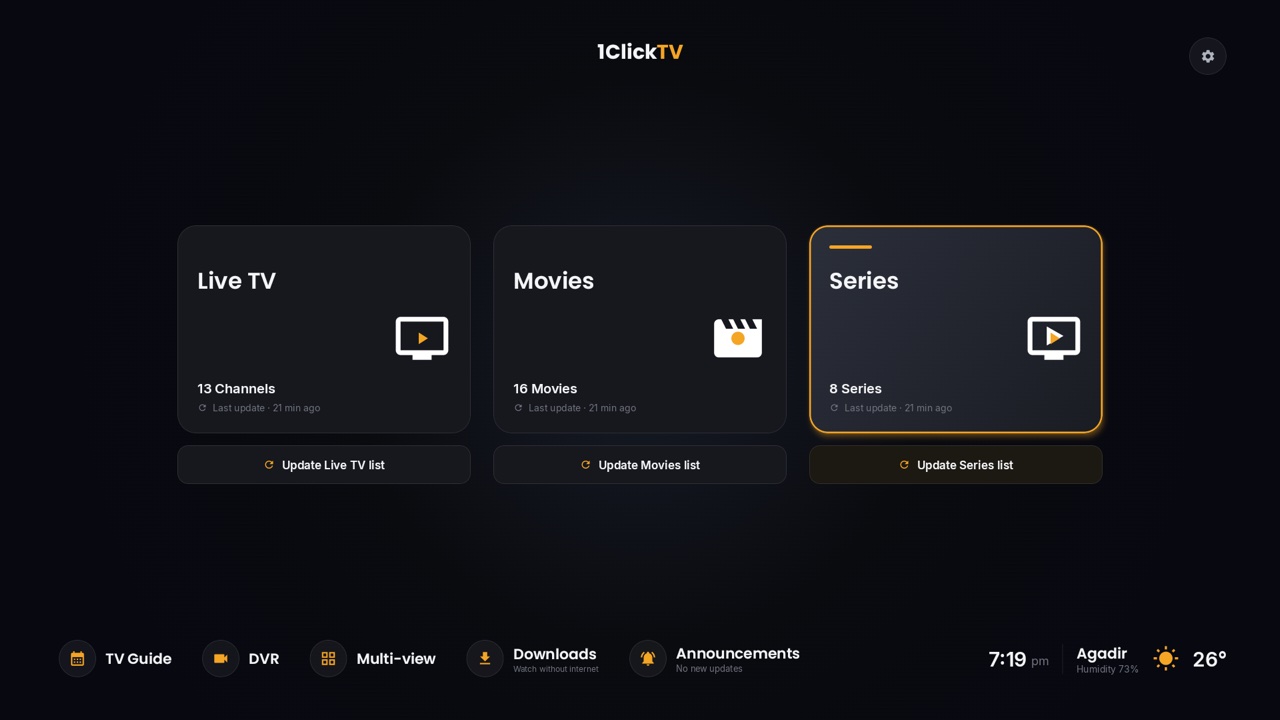
Search for "best IPTV" and you'll find plenty of top-10 lists. Many are written by the providers themselves, and this blog is no exception: we run 1ClickTV. So instead of another ranking, here is the checklist we'd use to judge any IPTV service, ours included. Each point comes with a quick way to check it before you pay.
The 10-point checklist
1. It's allowed where you live
IPTV rules differ from one country to the next. A service that sells channels without the rights to them can disappear overnight: when Xtreme HD IPTV closed in July 2025, subscriptions simply ran out with no renewal, and look-alike sites kept using its name. Some countries now fine viewers as well as sellers.
How to check: read your country's rules on streaming and pay TV before you subscribe, and be wary of any service that can't tell you who runs it.
2. A refund policy you can read before paying
Some providers offer a short free trial. Others, 1ClickTV among them, offer a money-back guarantee instead. Either way, the terms should be written down: how many days, counted from when, and how the money comes back.
How to check: find the refund page. If there isn't one, assume there's no refund.
3. Support that answers
Setup questions and app problems are normal in the first days. A service is only as good as the help you get then.
How to check: send a question before buying, on WhatsApp, Telegram or email, and see how fast and how clearly you get an answer.
4. Works with your devices and apps
Good services give you standard login details, an M3U link or an Xtream Codes login, that work in common players such as 1ClickTV Player, TiviMate, IPTV Smarters and Kodi, and on Samsung and LG smart TVs, Fire TV, Android TV, Apple devices and computers. Be careful with services that lock you into one app.
How to check: look for a setup guide for your exact device.
5. Enough connections
A connection is one stream playing at a time. A plan with one connection plays on one screen at a time.
How to check: count the screens in your home that will play at the same time, and choose a plan with that many connections.
6. TV guide, catch-up and recording
Three features often get mixed up:
- TV guide (EPG): what's on now and next, channel by channel.
- Catch-up: the provider keeps recent programs on its servers, so you can watch a show that has already aired, on the channels that offer it.
- Recording (DVR): your app records a program for you to keep. 1ClickTV Player (free), TiviMate Premium and Plex with Plex Pass can do this with most IPTV services. See how to add IPTV to Plex.
How to check: ask which channels have guide data and catch-up, and how many days back catch-up goes.
7. Picture quality your connection can carry
4K only looks good if your internet and your device keep up. As a rough guide, plan on 5 Mbps per SD stream, 15 Mbps for HD and 25 Mbps for 4K, and a device that can decode HEVC (H.265) for 4K channels.
How to check: test your speed in the evening, when networks are busiest, and use a network cable instead of Wi-Fi for 4K if you can.
8. Stable when everyone is watching
"99.9% uptime" is easy to write. What counts is how the service behaves on a busy evening or during a big live event.
How to check: watch at peak hours during your first days, while you can still ask for a refund.
9. Safe payment and privacy
Pay through a checkout that gives you an order number and a confirmation email, and share only the details the order needs. Some payment processors refuse payments made through a VPN; a good provider tells you before you pay, not after a failed payment.
How to check: look for clear contact details, a privacy policy and terms of service.
10. No red flags
- "Lifetime" plans from a site with no history and no contact details.
- A new site using the name of a service that has shut down.
- Reviews that all sound the same, or quotes you can't check.
- Promises of free premium channels, or pressure to pay right now.
The checklist at a glance
| Check | Good sign | Warning sign |
|---|---|---|
| Rules where you live | You know the rules and who runs the service | No company or contact details |
| Refunds | Written policy with a clear period | No refund page |
| Support | Quick, clear answers before you buy | No reply, or only a contact form |
| Devices and apps | Standard M3U or Xtream Codes login, a guide for each device | Locked to one app |
| Connections | Plans priced by number of screens | Unclear limits |
| Guide, catch-up, recording | Guide and catch-up listed by channel group | "Catch-up on everything", with no details |
| Picture quality | Honest bandwidth advice | "4K on any connection" |
| Stability | Smooth at peak hours in your first days | Freezes every evening |
| Payment | Order number and confirmation email | Payment to a personal account |
| Red flags | None of the above | Cheap "lifetime" deals, cloned names, copy-paste reviews |
How 1ClickTV measures up
We're not neutral here, so these are just the facts about our service. Hold us to the same checklist.
| Live channels | 55,000+ |
|---|---|
| Movies and series | 370,000+ |
| Picture quality | SD to 4K, depending on the channel |
| TV guide and catch-up | For US and European channels |
| Devices | Smart TVs, Fire TV, Android TV and Google TV, Apple devices, computers and set-top boxes, plus a web player in the browser. See the installation guides. |
| Support | 24/7 on WhatsApp, Telegram and email |
| Free trial | None. Every plan has a 7-day money-back guarantee instead (see the refund policy). |
| Running since | 2017 |
See the plans and prices, or ask us a question first.
Questions people ask
What is the best IPTV service?
There isn't one best service for everyone. The right one is allowed where you live, works on your devices, carries the channels you watch with a guide, stays smooth at peak hours and has a written refund policy. Use the checklist above to compare.
Which IPTV services have DVR?
Recording usually happens in your app, not at the provider. 1ClickTV Player (free on Android devices), TiviMate Premium and Plex with Plex Pass can record most IPTV channels. Catch-up, where it's offered, lets you watch recent shows without recording them.
Is a lifetime IPTV subscription worth it?
Only from a provider you expect to stay around, with a refund period long enough to test it. A lifetime plan is worth nothing if the service closes. More in our guide to lifetime IPTV subscriptions.
Do I need a VPN for IPTV?
Not to watch. Some people use one for privacy. If you do, pick a nearby server, and switch it off when you pay if the checkout asks you to.