
IPTV Smarters application has one of the tidiest, easiest IPTV interfaces making it pretty easy and delightful for end-users to search, in this article you will find how Install IPTV Smarters on Samsung and LG Smart TV
Installing IPTV Smarters on Samsung and LG Smart TV
- Go to the Samsung Apps Store.
- Download the IPTV Smarters Pro player.
- Sign in through Samsung iCloud account to install the player.
- After installation is finished, choose your region.
- Now open the application on your device.
Installing IPTV Smarters Pro on LG TV
- Go to the LG store. (make sure to keep internet connection on)
- Go to the search bar and enter IPTV Smarters Pro.
- Install the app. (Let the installation finish)
- Now your device is ready to use IPTV service.
How to use IPTV Smarter Pro
1-You might be prompted for TOS agreement. If you do, click accept.
2-It is also possible that you are also prompted to choose a method of playlist installation. XC API would be the preferred one.

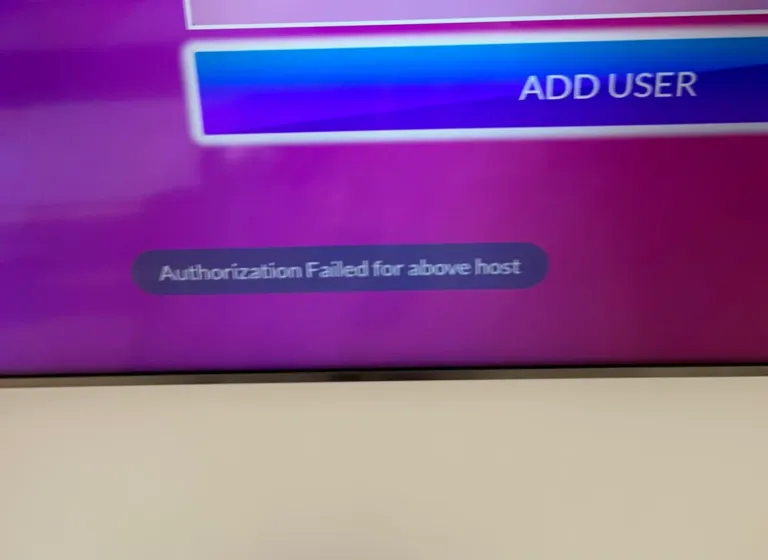
3-And here we have the well-know Xtream Codes API login page.
If the M3U url you have received from your Us is this:
http://myprovider.xyz/get.php?username=user1&password=pass1&type=m3u_plus&output=tsThen it should break into the following details if we want to put it into the login page above
Playlist Name: Name it anything you like
Username: according to the above url it should be user1
Password: according to the above url it should be pass1
Server/URL:port : according to the above url it should be http://myprovider.xyz:80 but with LG & Samsung TV. ignore the host url that you get from us and use this one http://cf.hi-cdn.me
Note: above m3u url was just an example, do not use it.
4-Allow the app to pull contents from the IPTV Provider’s server(s)
5-Playlist is now fetched and you can click on it
6-You can set a password for the application

7-Enjoy watching your content.
Surely, you will get a different experience than watching traditional satellite TV content . You will have more options to watch and the best thing, you will have freedom and flexibility that you lack in the case of traditional TV.
The process is quite simple and easy, just follow the steps given above and bring the new world of entertainment to your home.